Have you ever wondered why some people use a cable TV box while others use a streaming device connected to their TV?
Although these devices may look similar, they work differently. Understanding the difference can help you choose the right device for your home entertainment setup.
1. What Is a Cable TV Box?
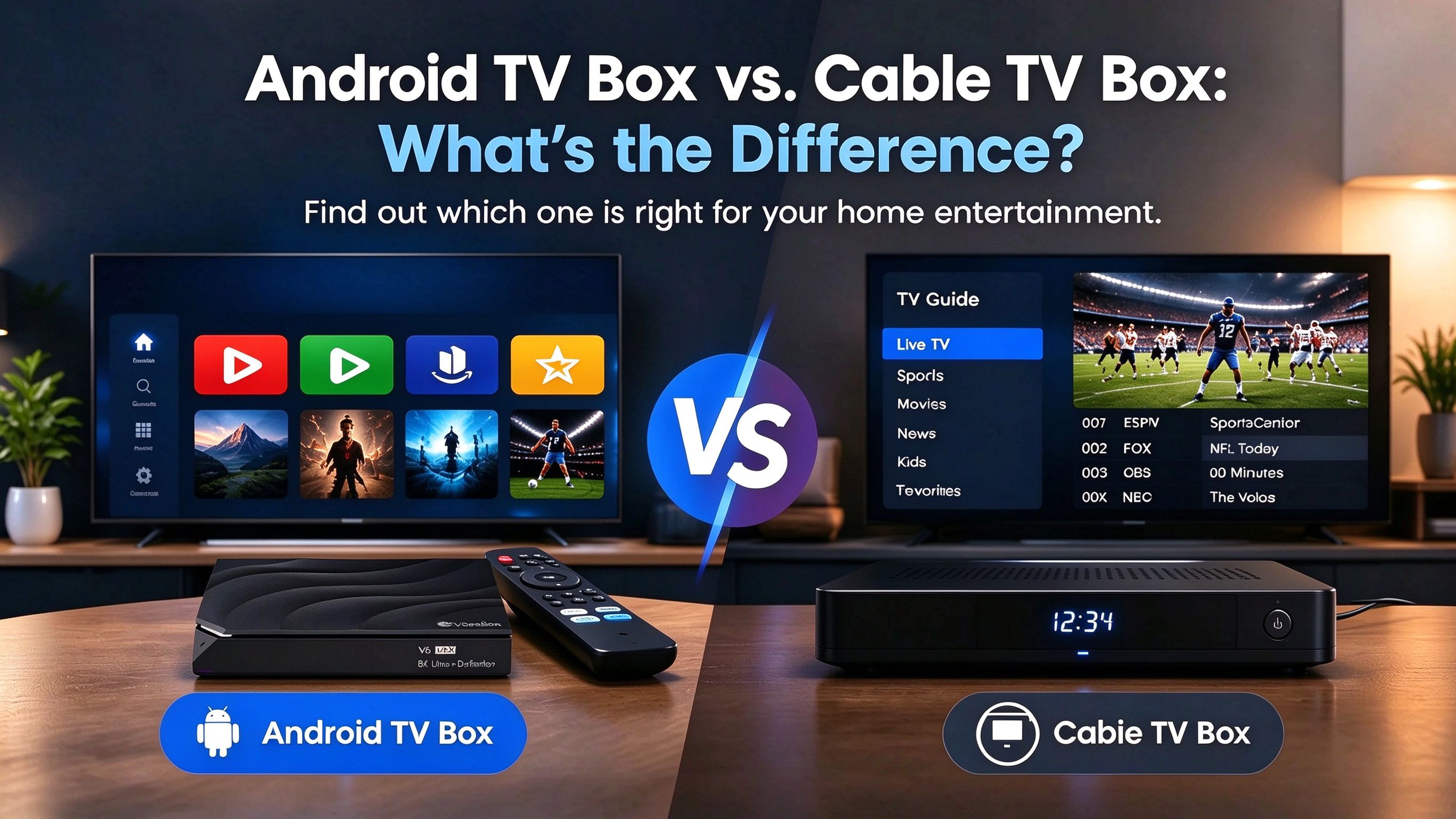
A cable TV box is usually provided by a cable television company. It allows you to watch the TV channels included in your subscription.
For example, if you subscribe to a cable TV package to watch news, sports, and other channels, your provider may give you a cable box to connect to your television.
Best for: People who prefer traditional TV channels and already have a cable TV subscription.
2. What Is an Android TV Box?
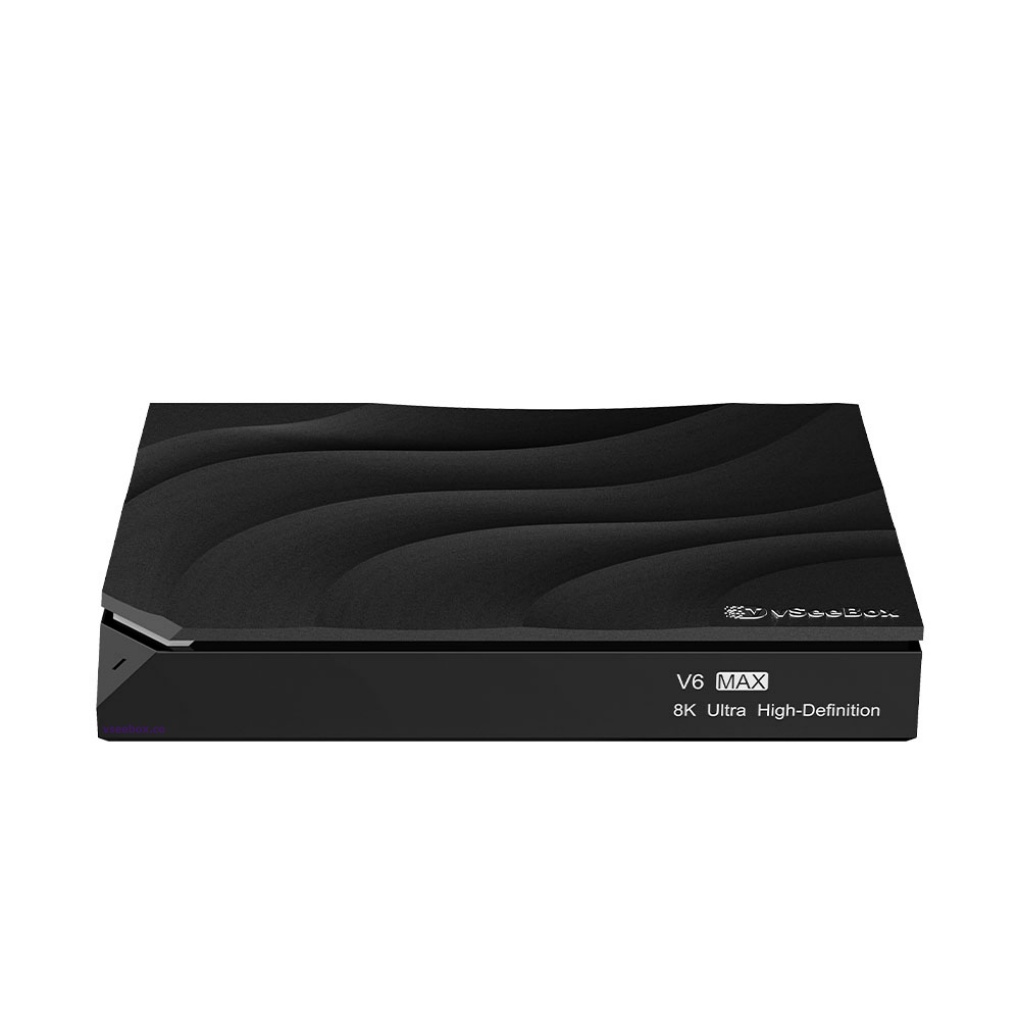
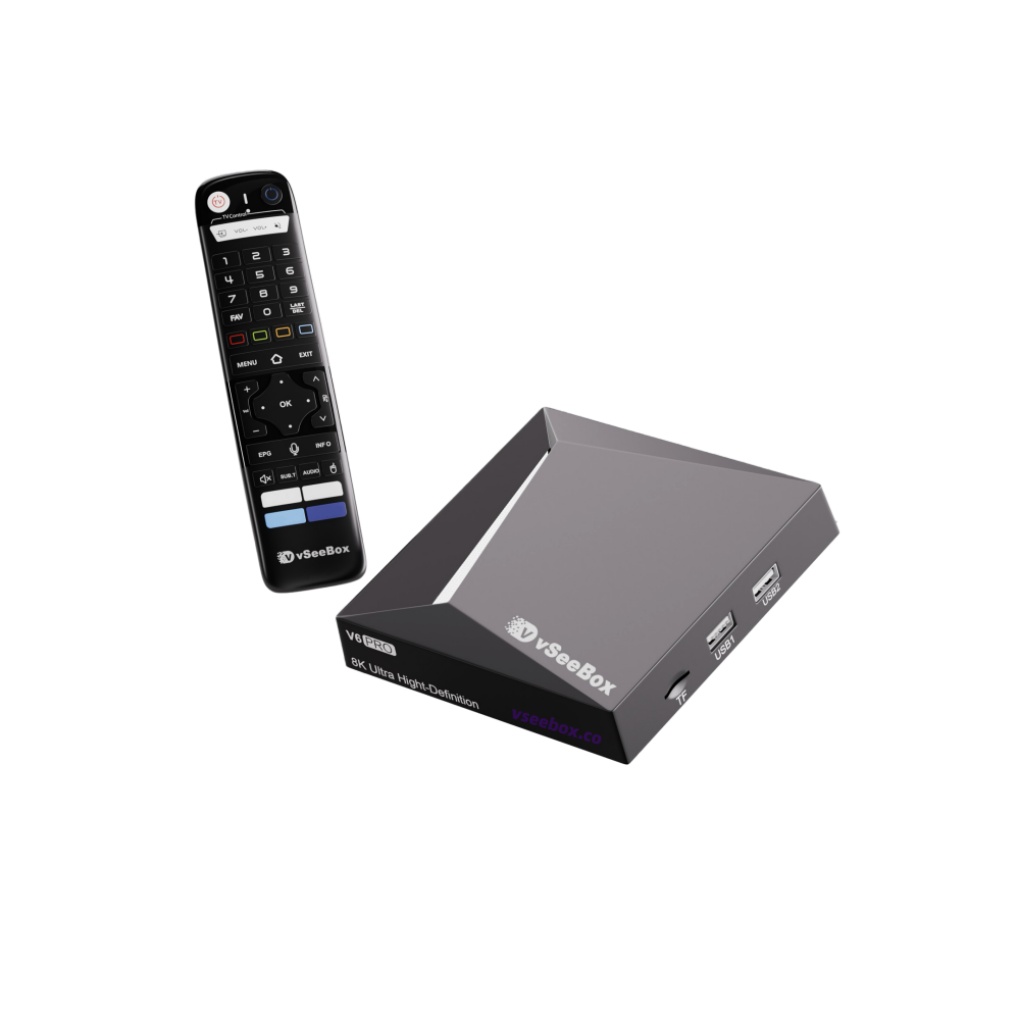
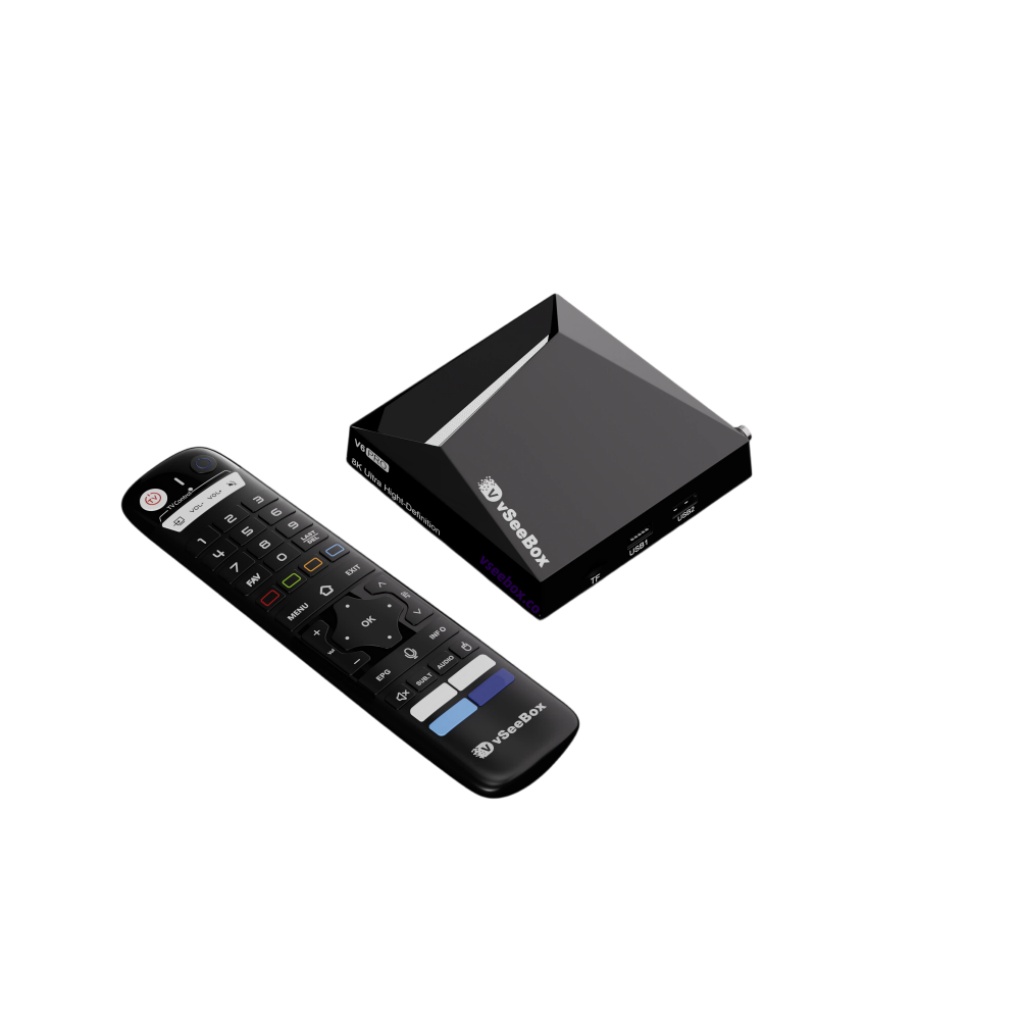
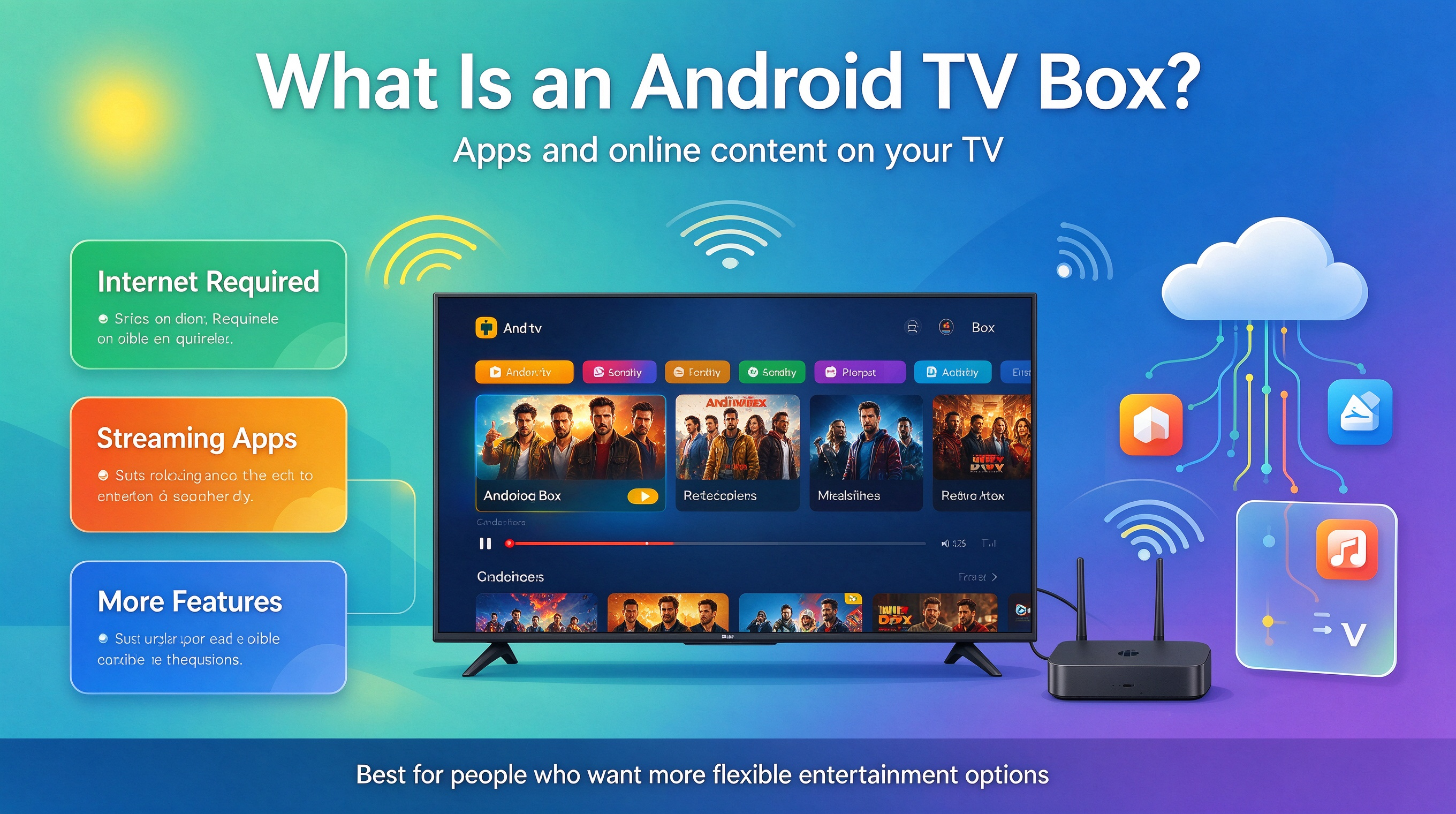
An Android TV Box is a device that connects to your TV and the internet. It allows you to access compatible streaming apps and other supported features on your television.
Instead of relying only on a cable TV package, you can use the applications supported by your device to enjoy different types of online entertainment.
Best for: People who want to access compatible streaming apps and have more options for using their TV.
Keep in mind that available apps and features vary by device. Some streaming services also require separate subscriptions.
3. What's the Main Difference?
Here's a simple comparison:
| Cable TV Box | Android TV Box | |
|---|---|---|
| Main purpose | Watch channels from a cable provider | Access compatible apps and online content |
| Internet | Depends on the service and equipment | Usually needed for online streaming |
| Monthly fees | May require a cable TV subscription | Depends on the apps and services you use |
| Content options | Based on your TV package | Based on compatible apps and services |
Neither device is automatically better. The right choice depends on what you want to watch.
4. Do You Need an Android TV Box If You Already Have Cable TV?
It depends on your current setup.
If your cable TV service already gives you everything you need, you may not need another device.
However, if you want to explore additional compatible apps or your current equipment doesn't offer the features you want, an Android TV Box may be worth considering.
You can also use both devices with the same TV if you have enough compatible HDMI inputs. Simply switch between the inputs when you want to use a different device.
5. What Should You Check Before Buying?
Before choosing an Android TV Box, consider these three things:
-
Compatibility: Make sure it works with your TV and supports the apps you want to use.
-
Features: Compare video resolution, storage, connectivity, and other specifications that matter to you.
-
Total cost: Consider the device price, internet service, and any subscriptions required by your preferred apps.
A little research before buying can help you avoid paying for features you don't need.
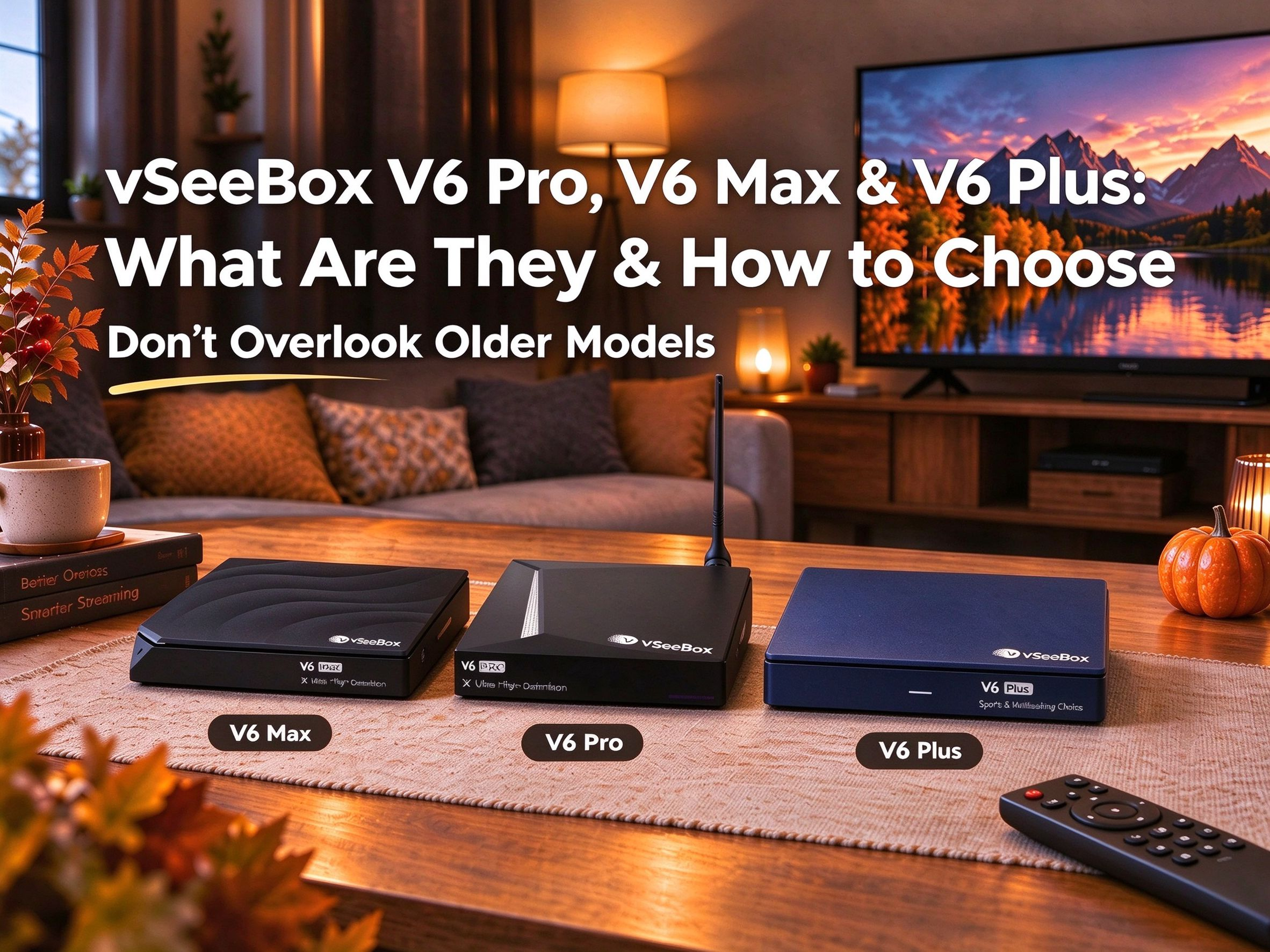
6. Explore Your Options With vSeeBox
Looking for a TV box for your home entertainment setup?
Before choosing a device, think about the content you watch, the features you need, and how you want to use your TV.
Explore the available vSeeBox models and compare their specifications to find an option that fits your needs.
This blog post might be helpful:
https://vseebox.co/blogs/vseebox-news/vseebox-v6-pro-v6-max-v6-plus-what-are-they-how-to-choose-1
Final Thoughts
A cable TV box and an Android TV Box serve different purposes.
A cable TV box is designed around a cable television service, while an Android TV Box provides access to compatible apps and internet-based features.
If your current setup already meets your needs, you may not need another device. But if you're looking for different features or more flexibility, comparing your options can help you make a better decision.