Can You Mirror Vseebox to Another TV Screen? (What You Really Need to Know)
Many Vseebox users ask:
“Can I mirror my Vseebox to another TV?”
The answer is yes—but there’s an important limitation most people don’t realize upfront.
👉 If you want true mirroring, both TVs must always show the exact same content, and your Vseebox must stay powered on the entire time.
Let’s break this down so you can choose the best setup.
🔍 What Does “Mirroring Vseebox” Actually Mean?
When people say “mirror,” they usually mean:
-
Watching the same show on two TVs at once
-
Sharing one Vseebox across multiple rooms
-
Extending the screen to another display
While this is possible, it doesn’t work like independent streaming.
✅ The Only Reliable Way: HDMI Splitter
The most stable way to mirror Vseebox is by using an HDMI splitter.
✔️ How It Works:
-
Connect Vseebox → HDMI splitter
-
Connect splitter → two TVs
-
Both TVs display the same screen simultaneously
⚠️ The Biggest Drawback (Most Important)
Before you choose this setup, you need to understand the core limitation:
❗ 1. The Vseebox Must Stay ON at All Times
-
The box is the single source of content
-
If you turn it off → both TVs go black
-
No independent control per TV
❗ 2. Both TVs MUST Play the Same Content
-
You cannot watch different channels or apps
-
You cannot pause on one TV and continue on another
-
Everything is fully synchronized—like a duplicate screen
👉 In simple terms:
You’re not creating two systems—you’re just copying one screen.
📡 What About Wireless Mirroring?
Many users hope for a wireless solution, but here’s the reality:
-
Vseebox (Android-based) is designed to receive casting, not send it
-
There is no stable built-in feature to mirror its output to another TV wirelessly
👉 So:
-
You can cast to Vseebox
❌ But you generally cannot cast from Vseebox to another screen 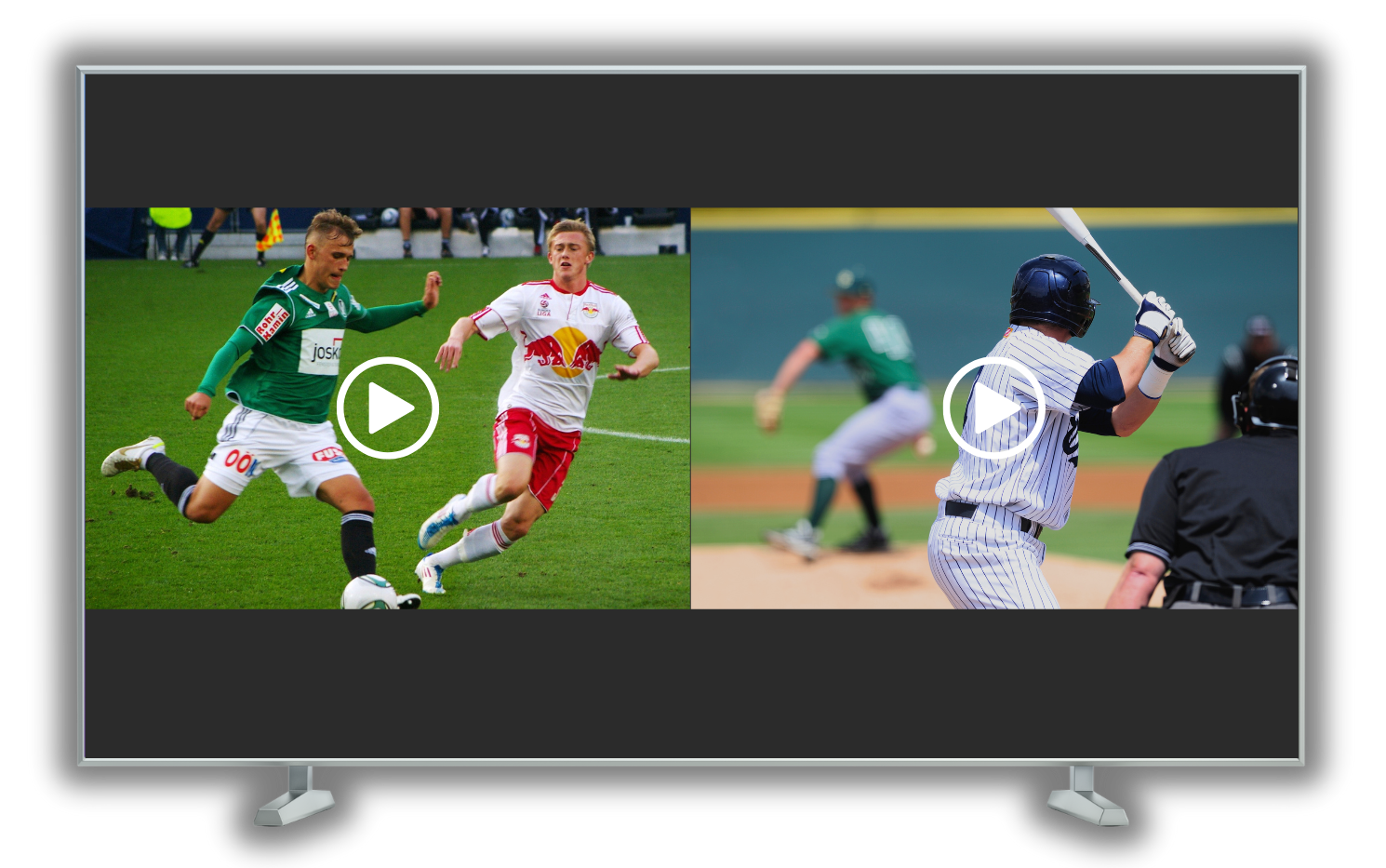
🔁 A Smarter Alternative (Recommended)
If your goal is flexibility, mirroring may not be the best solution.
✔️ Better Option:
Use separate devices on each TV
-
Install the same apps on both TVs (or devices)
-
Log into the same account
-
Watch content independently
✔️ Why This Is Better:
-
Each TV can play different content
-
No need to keep one box running constantly
-
No wiring limitations
📊 Quick Comparison
| Setup | Pros | Cons |
|---|---|---|
| HDMI Mirroring | Perfect sync, simple setup | Must stay ON, same content only |
| Wireless Mirroring | Convenient (in theory) | Not supported reliably |
| Multiple Devices | Flexible, scalable | Requires extra device |
❓ FAQ
Can I control each TV separately when mirroring?
No. Both TVs behave as one identical screen.
Can I turn off one TV and keep the other running?
Yes—but the Vseebox must still remain on.
Is mirroring good for multi-room use?
Only if you want the exact same content everywhere.
✅ Final Verdict
Yes, you can mirror Vseebox to another TV—but it’s important to understand what you’re really getting:
👉 A duplicated screen, not an independent viewing experience
And the two biggest limitations are:
-
You must keep the Vseebox powered on continuously
-
Both TVs are locked to the same content at all times
💡 Pro Recommendation
If you want a better user experience:
👉 Use one Vseebox per TV or combine it with other smart devices
👉 Avoid mirroring unless you specifically need identical playback