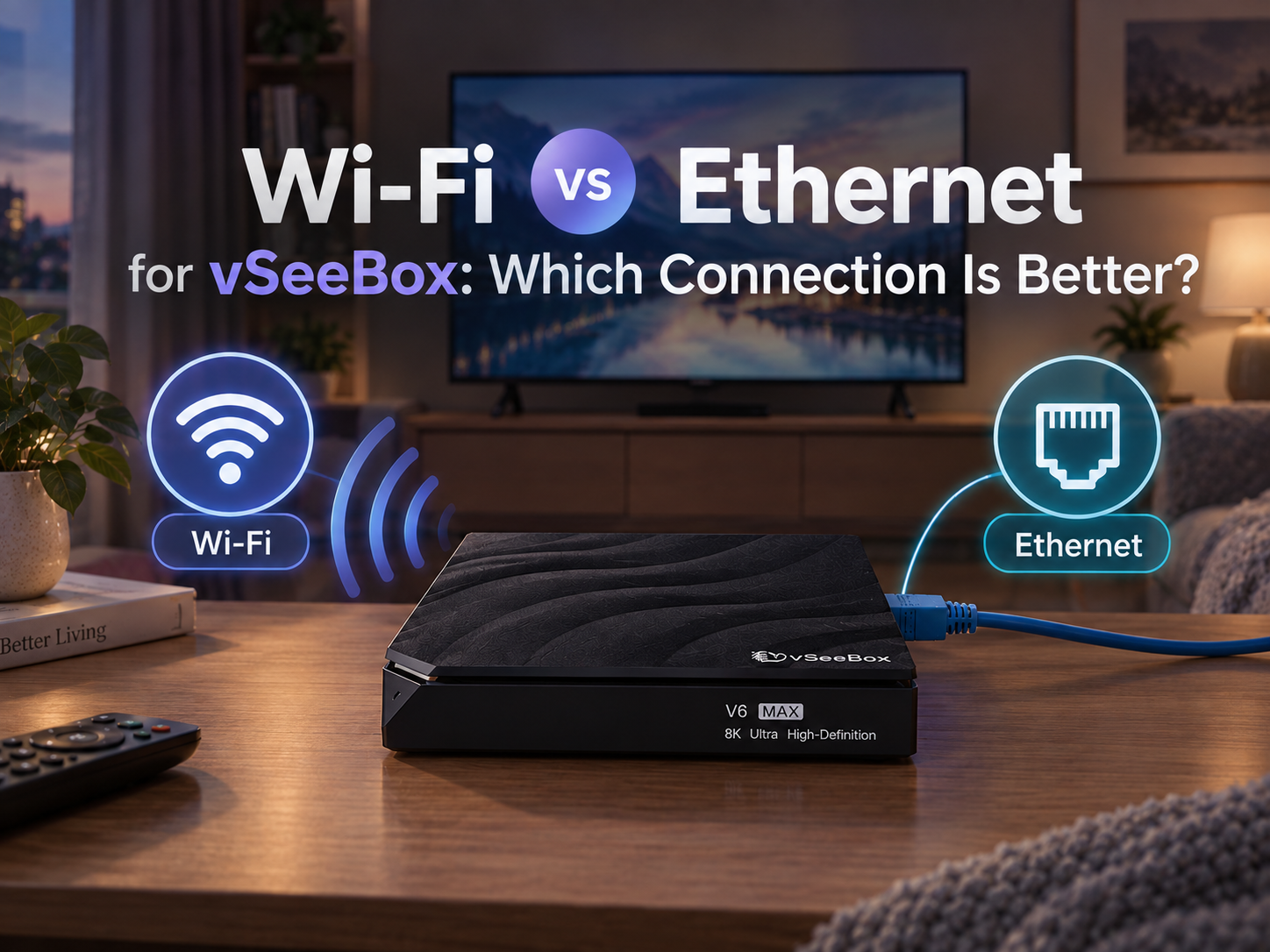
Wi-Fi vs Ethernet for vSeeBox: Which Connection Is Better?
A stable internet connection is important when using a vSeeBox for streaming. Depending on your home setup, you can connect your vSeeBox to the internet through Wi-Fi or an Ethernet cable.
But which connection should you use?
The answer depends on your router location, home environment, and how your vSeeBox is set up. Here is what you should know before choosing between Wi-Fi and Ethernet.
1. Wi-Fi Connection: Convenient and Easy to Set Up
Wi-Fi is the easiest option for most homes. You do not need to run an Ethernet cable from your router to your TV, which makes setup cleaner and more flexible.
Wi-Fi can be a good choice when:
- Your router is relatively close to the vSeeBox
- There are few walls or obstacles between the router and device
- You want a simple, cable-free setup
- Your home Wi-Fi network is stable
However, Wi-Fi performance can be affected by distance, walls, interference, and the number of devices using the network.
2. Ethernet Connection: A Wired Option for Greater Stability
Ethernet connects your vSeeBox directly to your router using a network cable.
Because the connection is wired, it is less affected by wireless interference and the distance between your router and TV. This can make Ethernet a useful option when your vSeeBox is located near your router or when your Wi-Fi signal is inconsistent.
Ethernet may be worth considering when:
- Your vSeeBox is close to your router
- Your Wi-Fi signal is weak in the room
- Several devices are using Wi-Fi at the same time
- You want a more consistent wired connection
For a fixed TV setup, Ethernet can also be a simple “connect it and leave it” option.
3. Wi-Fi vs Ethernet: Which Should You Choose?
There is no single connection that is best for every home.
| Wi-Fi | Ethernet | |
| Setup | Easy and wireless | Requires a cable |
| Flexibility | High | Lower |
| Interference | Can be affected | Less affected by wireless interference |
| Stability | Depends on Wi-Fi environment | Generally more consistent |
| Best for | Convenient home setups | Fixed setups or weaker Wi-Fi areas |
If your Wi-Fi signal is strong and your vSeeBox is close enough to the router, Wi-Fi can provide a convenient connection without additional cables.
If your TV is close to the router or your Wi-Fi connection is unstable, Ethernet may be the more practical choice.
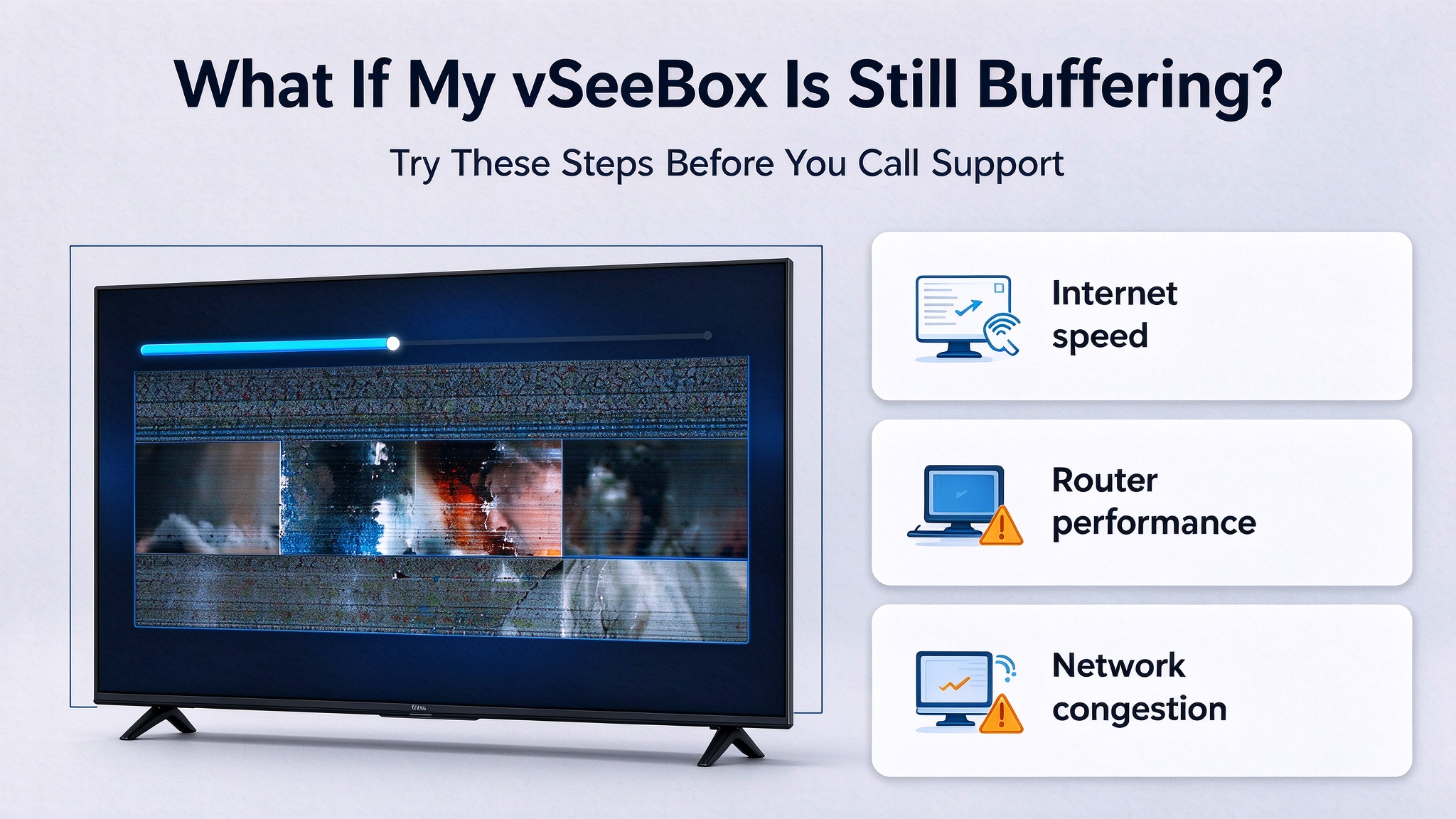
4. What If My vSeeBox Is Still Buffering?
Changing from Wi-Fi to Ethernet can help if the problem is related to a weak or unstable wireless connection, but it is not the only possible cause of buffering.
Other factors can include:
- Internet speed
- Router performance
- Network congestion
- Wi-Fi signal strength
- Temporary service or network issues
- The video source itself
If you are experiencing buffering, first check whether your vSeeBox has a stable internet connection. You can also restart your router and test the device using another network connection.
If possible, trying Ethernet can help determine whether Wi-Fi is contributing to the problem.
5. Which vSeeBox Models Support Wi-Fi and Ethernet?
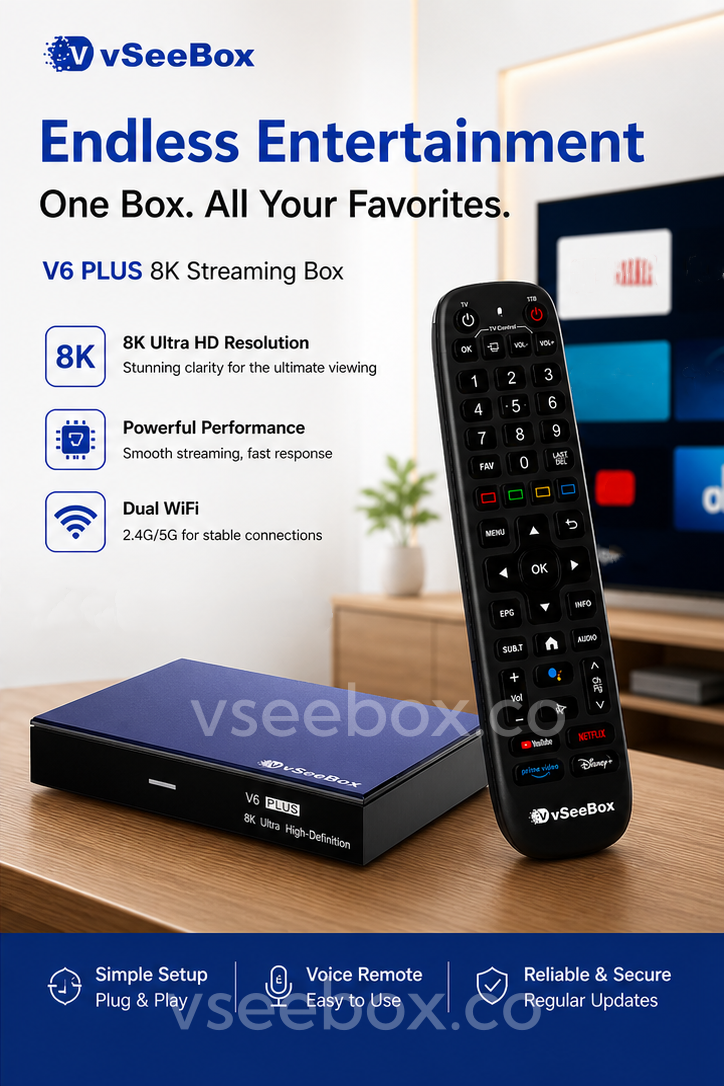
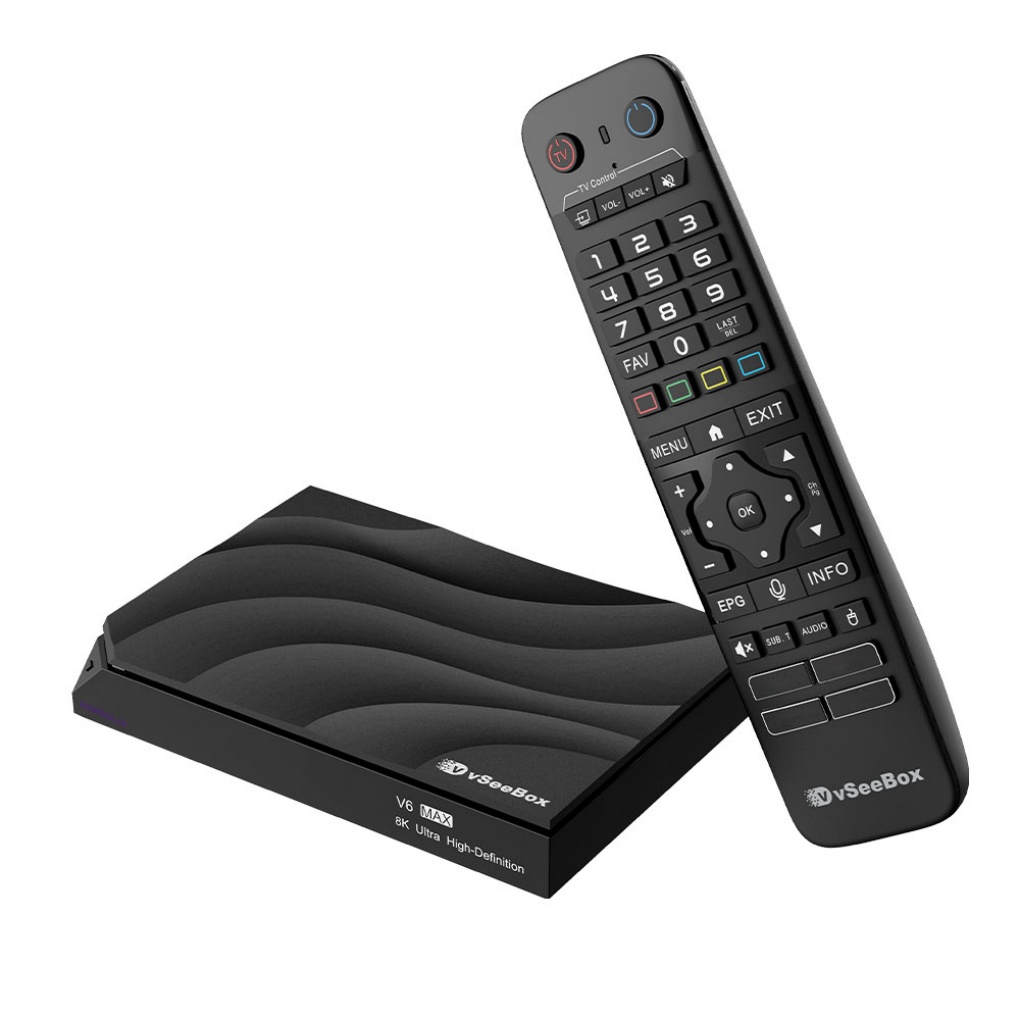
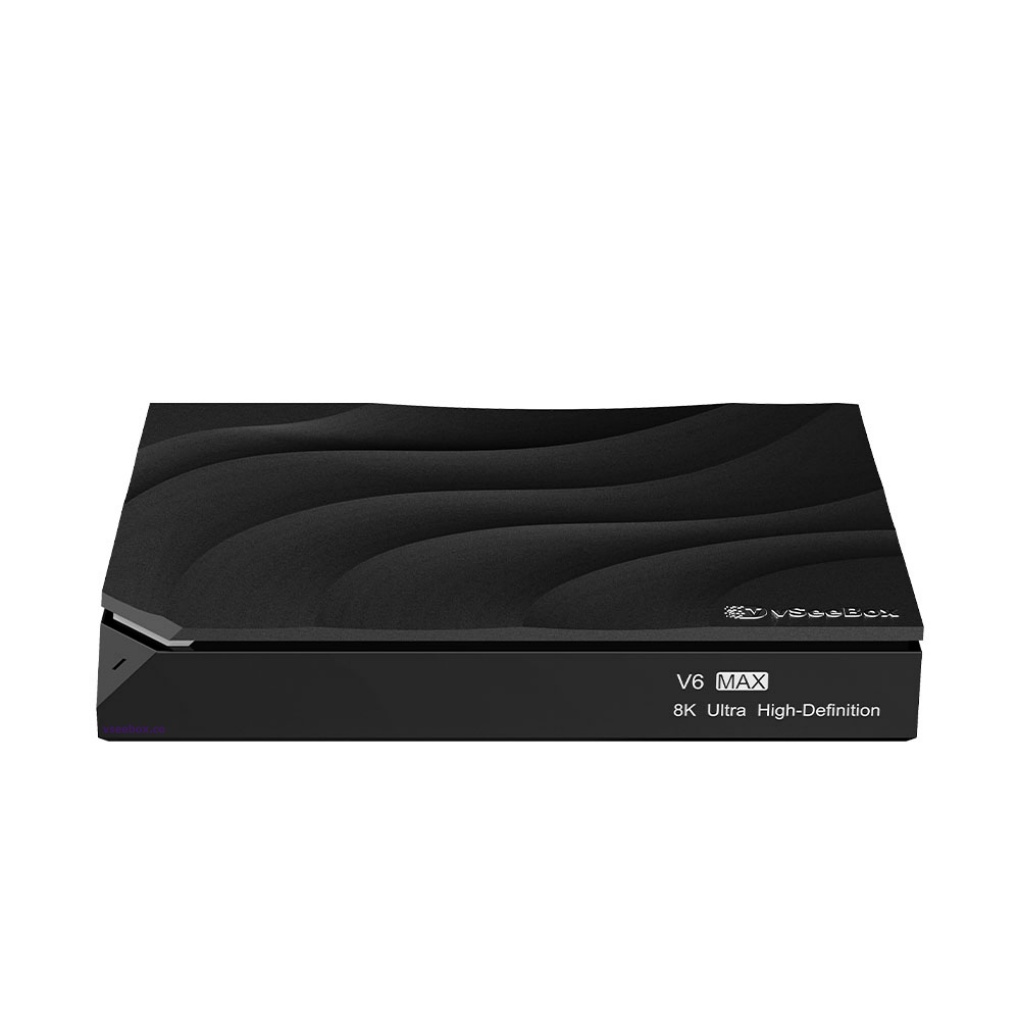
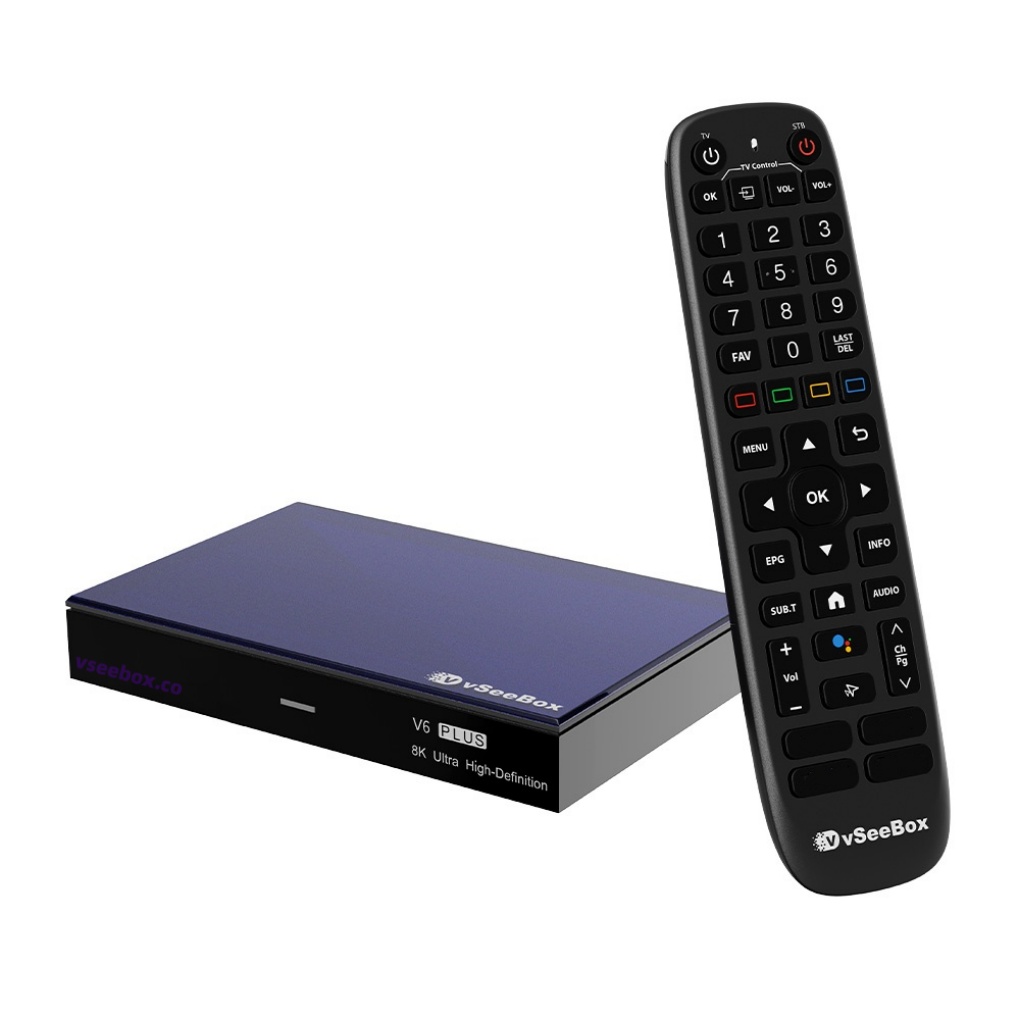
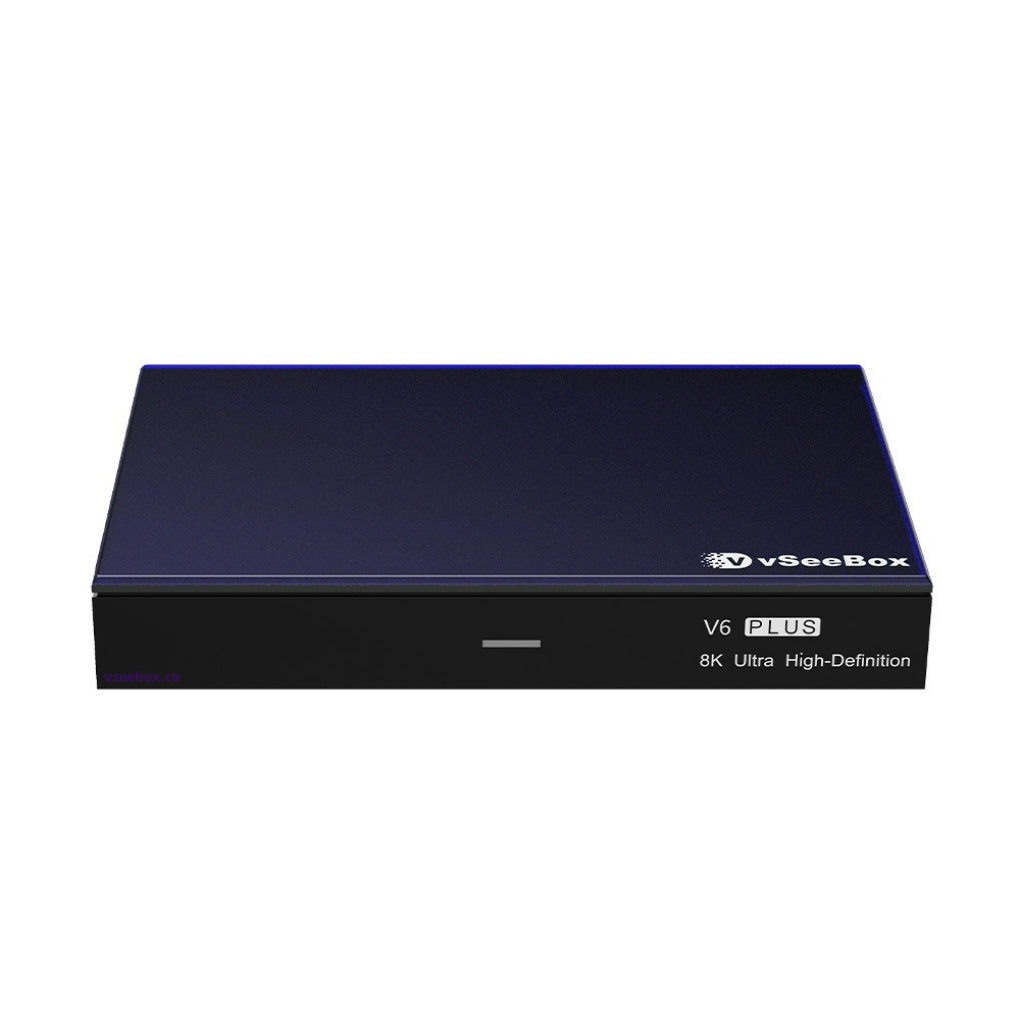
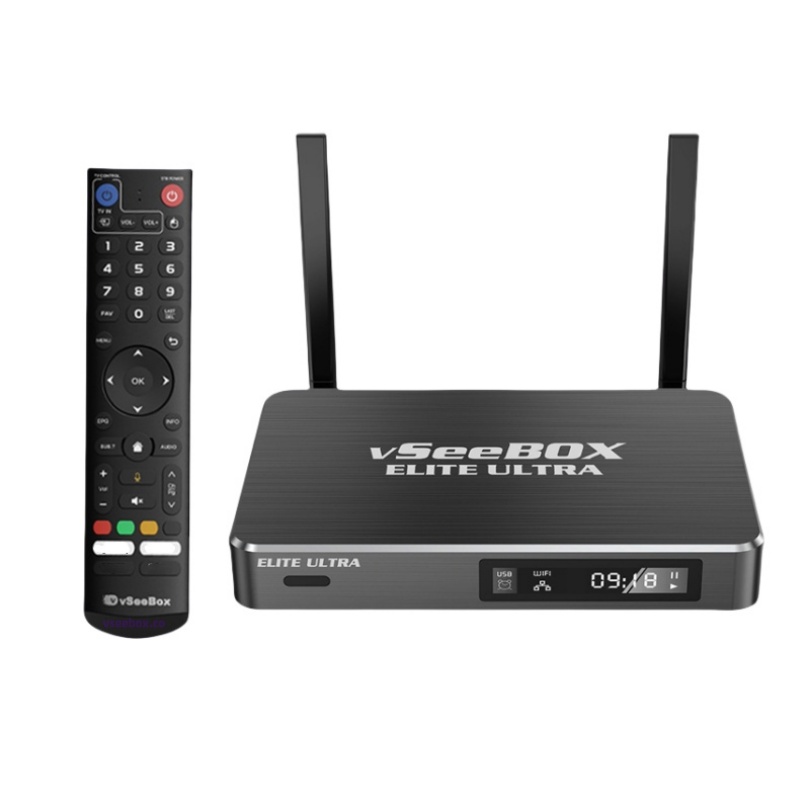
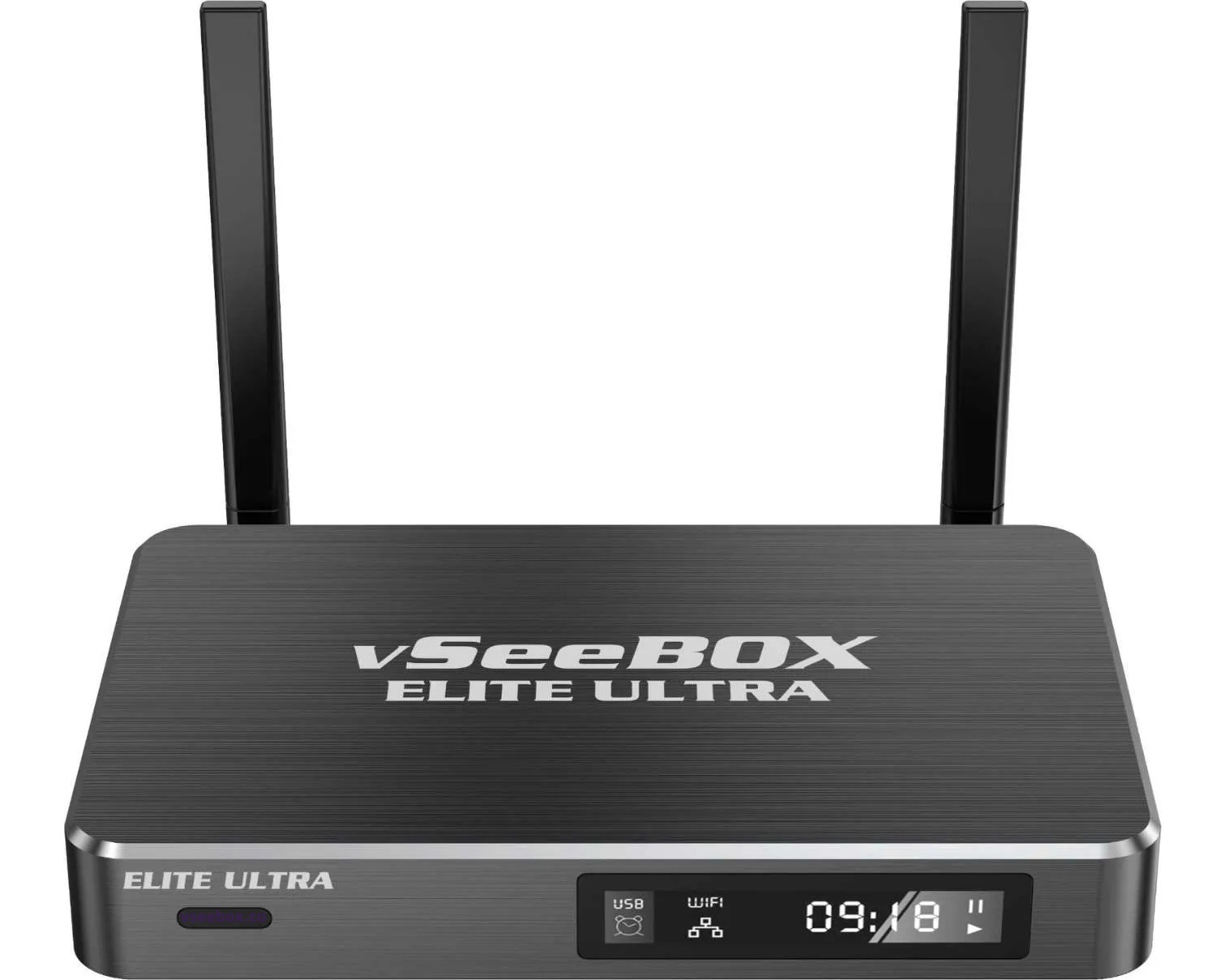
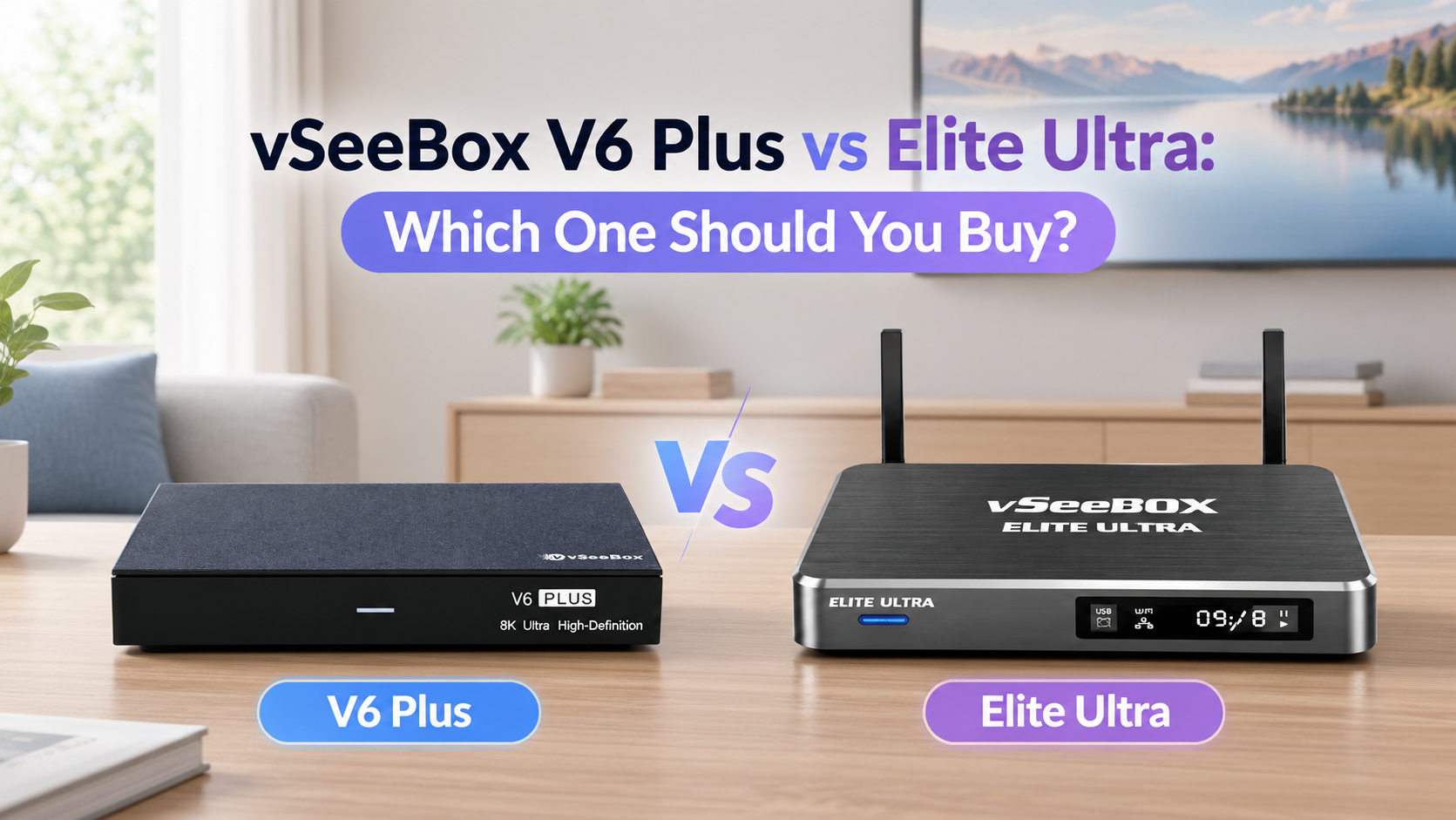
The current vSeeBox product comparison also lists Ethernet connectivity for the V6 Plus, V6 Max, and Elite Ultra.
Final Thoughts
Wi-Fi and Ethernet can both work well with a vSeeBox. Wi-Fi offers convenience and a cleaner setup, while Ethernet can provide a more consistent connection for a fixed TV setup.
If your Wi-Fi signal is strong and stable, there may be no need to run an Ethernet cable. If you experience weak Wi-Fi or frequent connection issues, Ethernet is worth trying.
The best choice depends on your home network, router location, and how you use your vSeeBox.
PS:save on your vSeeBox purchase with code BLACKGAOBEST at checkout