
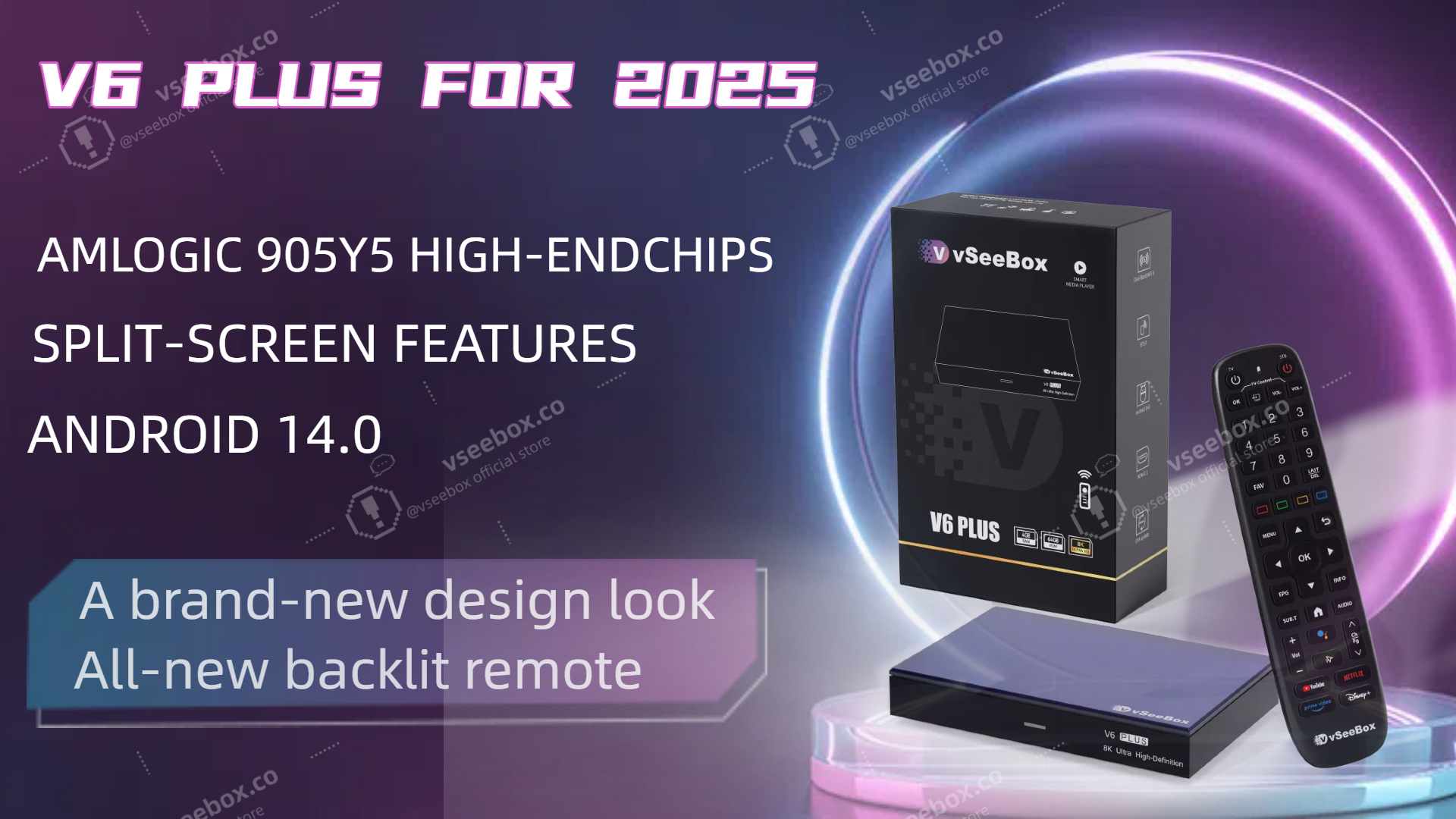
Why I Think the vSeeBox V6 Plus Is One of the Best TV Boxes I’ve Used in 2025
Over the past few months, I’ve tested a bunch of streaming devices — from big-name brands to lesser-known Android TV boxes — and honestly, the vSeeBox V6 Plus has stood out in a way that’s worth sharing with anyone looking to cut the cord and upgrade their home entertainment setup.
📺 What vSeeBox Is (Quick Overview)
For those who haven’t heard of it yet, vSeeBox is a line of Android-based TV streaming devices that promise a plug-and-play experience: no monthly fees, no complicated installs — just connect to your TV and Wi-Fi and start watching.
The brand has rapidly expanded in North America, with models like the V6 Plus, V6 Max, and the higher-end Elite Ultra. All run Android TV and support popular apps via the Google Play Store, alongside built-in access to live channels and on-demand content.
🧠 First Impressions: Setup & Daily Use
My V6 Plus arrived quickly from a US warehouse and was incredibly easy to set up — literally plug in, connect to Wi-Fi, and you’re ready to go. No extra hardware, no subscription, no hidden costs.
The included backlit Bluetooth remote with voice control really makes a difference at night — asking Google Assistant to launch apps or search for shows works smoothly and feels modern compared to older boxes.
⚡ Performance & Streaming
Under the hood, it’s powered by a capable Android 14 OS, 4GB RAM, and 64GB storage — meaning I have plenty of space for apps and the system feels snappy even when switching between streaming services.
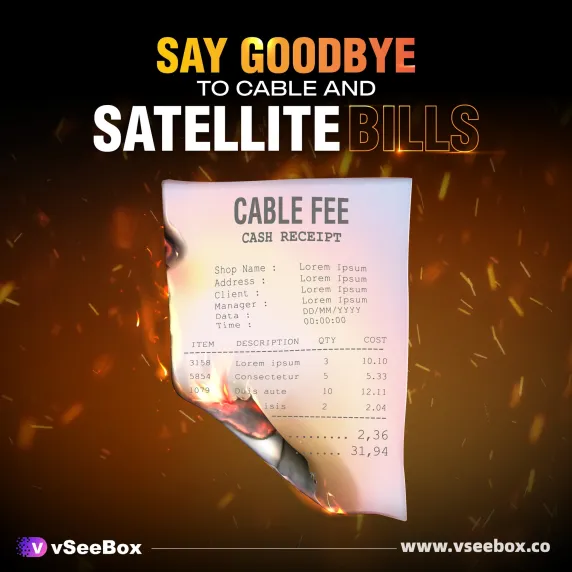
The real highlight for me has been watching local and national live TV channels without paying a cable bill — it’s genuinely impressive to have so much content at my fingertips without a subscription.
The box also handles 4K HDR playback well. While actual available content depends on the app or stream (many live channels still broadcast in 1080p or 720p), overall picture quality is clean and responsive.
❤️ What I Love About vSeeBox
✅ Plug-and-Play
No tech skills required — came out of the box ready. The Android TV interface feels familiar if you’ve used other smart TV systems.
✅ Wide Content Access
Between the built-in live TV options and the Google Play apps (Netflix, YouTube, Prime Video, Disney+), I rarely need to switch devices.
✅ Stable Connectivity
Dual-band Wi-Fi and Ethernet support keep streaming smooth — I haven’t had issues with buffering during live sports.
⚠️ Things You Should Know
No product is perfect, so here are a few things I’ve noticed from both my experience and the broader community:
-
Content quality depends on source — even though the box can output up to 8K or 4K HDR, most live channels stream in lower resolutions. This isn’t a fault of the hardware, just how most TV streams are broadcast.
-
Warranty experiences vary — some users report issues with customer service or support when hardware problems arise, so keep that in mind.
-
Security & apps — because vSeeBox comes preloaded with certain apps and services, opinions vary online about the software — always be mindful of settings and what you install.
📌 Final Thoughts
For North American cord-cutters, vSeeBox — especially the V6 Plus model — offers a compelling blend of simplicity, performance, and content access without ongoing fees. Whether you’re a sports fan, movie buff, or just want to ditch cable, it’s a solid pick and genuinely one of the most hassle-free streaming devices I’ve owned.
If you’re curious to try one out or want the latest specs and offers, check out their official site — it’s worth a look before you commit to another streaming box.